
User Interface
A quick look at the Workzup app experience key screens and main flows.
UI Screens
A closer look at key screens explained one by one.
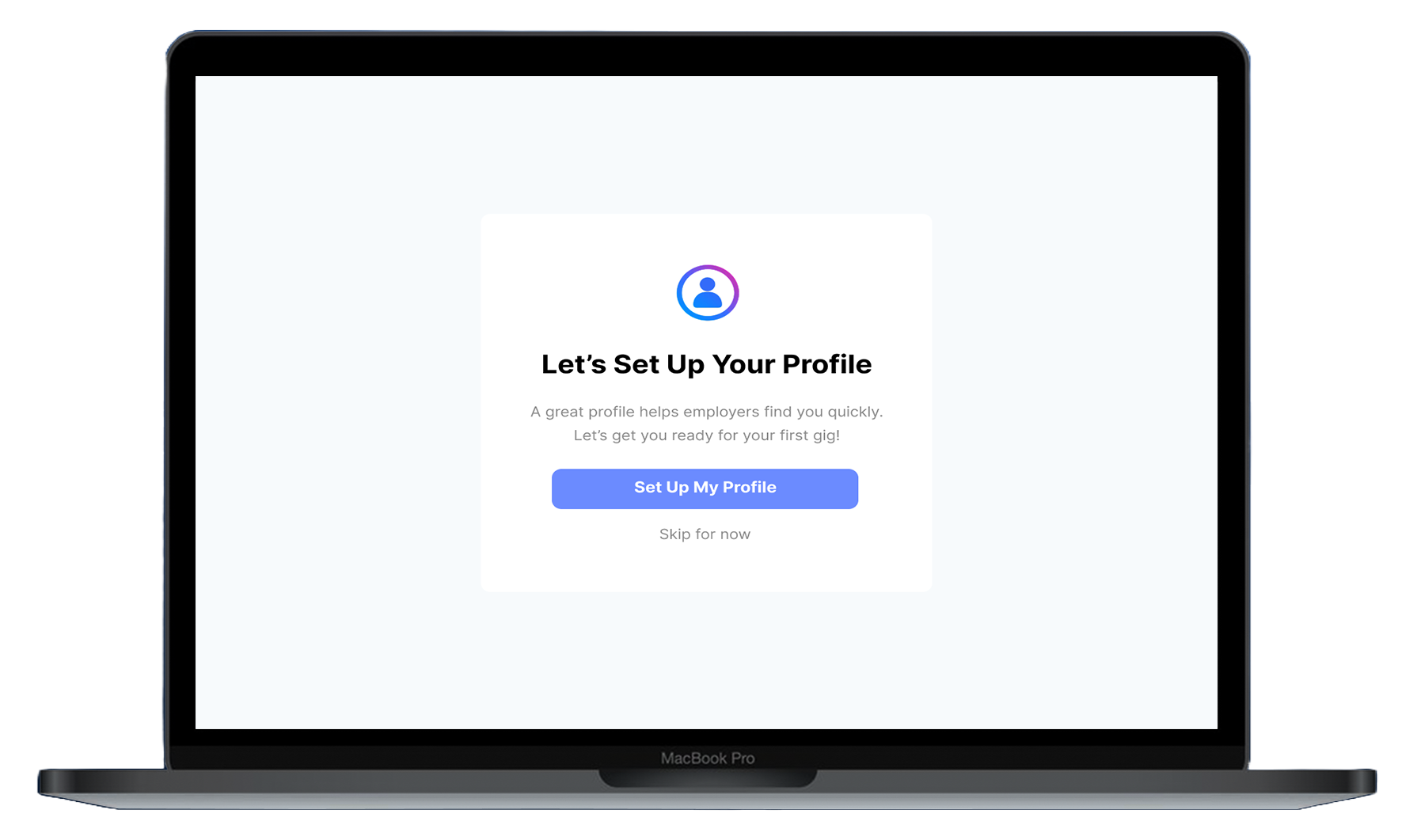
Login & Sign up
Quick onboarding with a simple flow to create an account and get started.
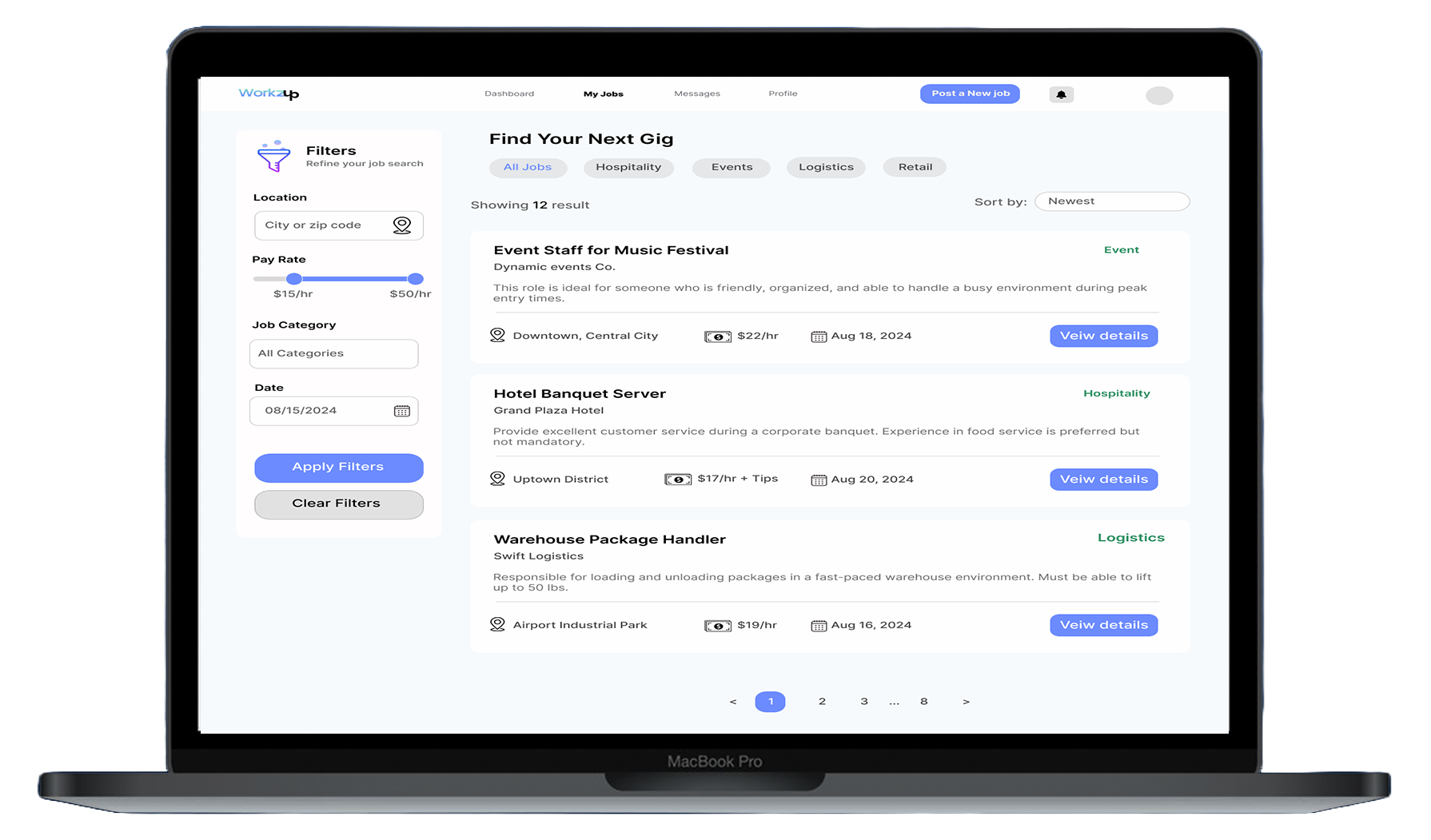
Browse jobs
Find available short-term jobs with clear listings and essential details.
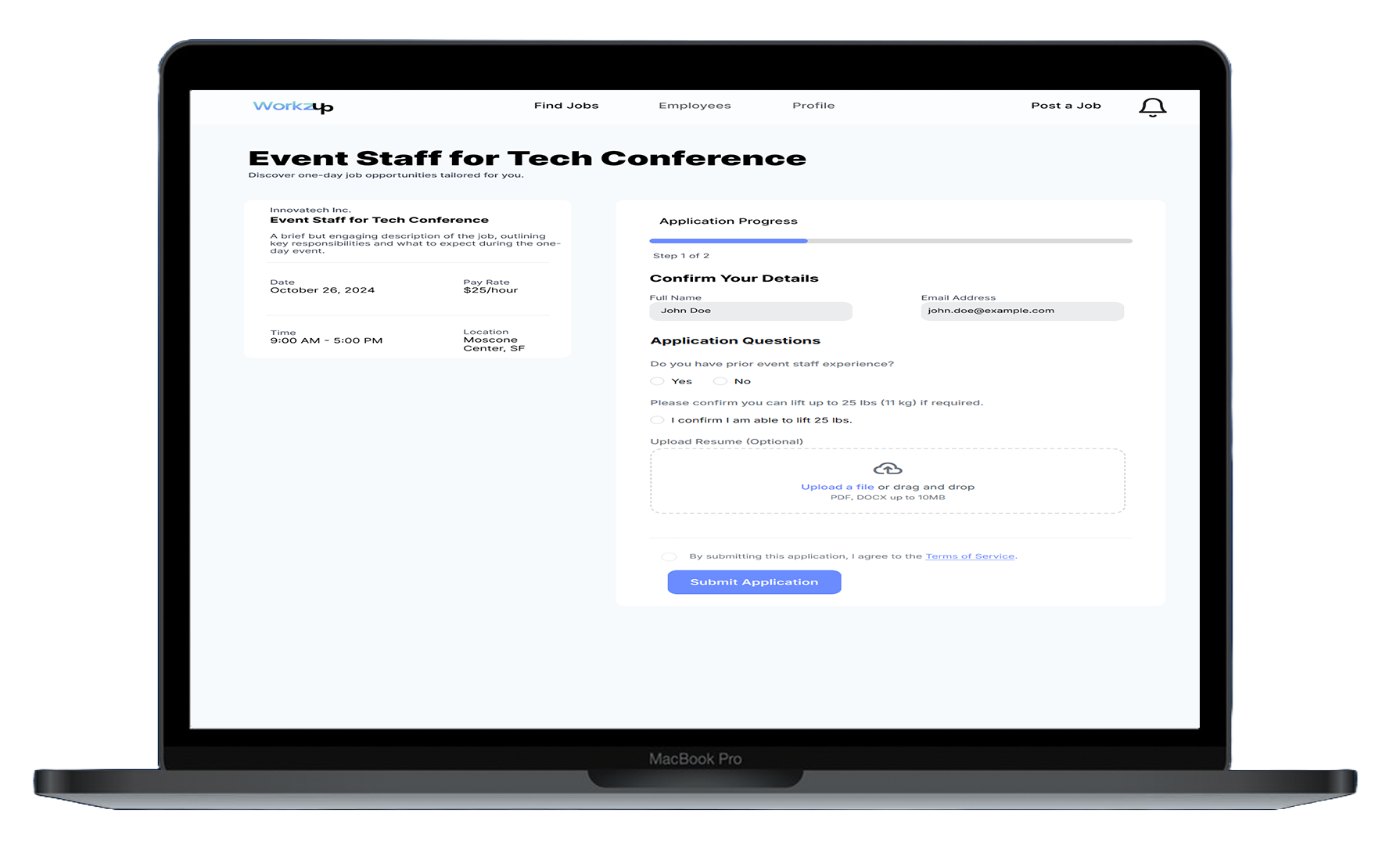
Job details
View job requirements, location, time, and payment before applying.
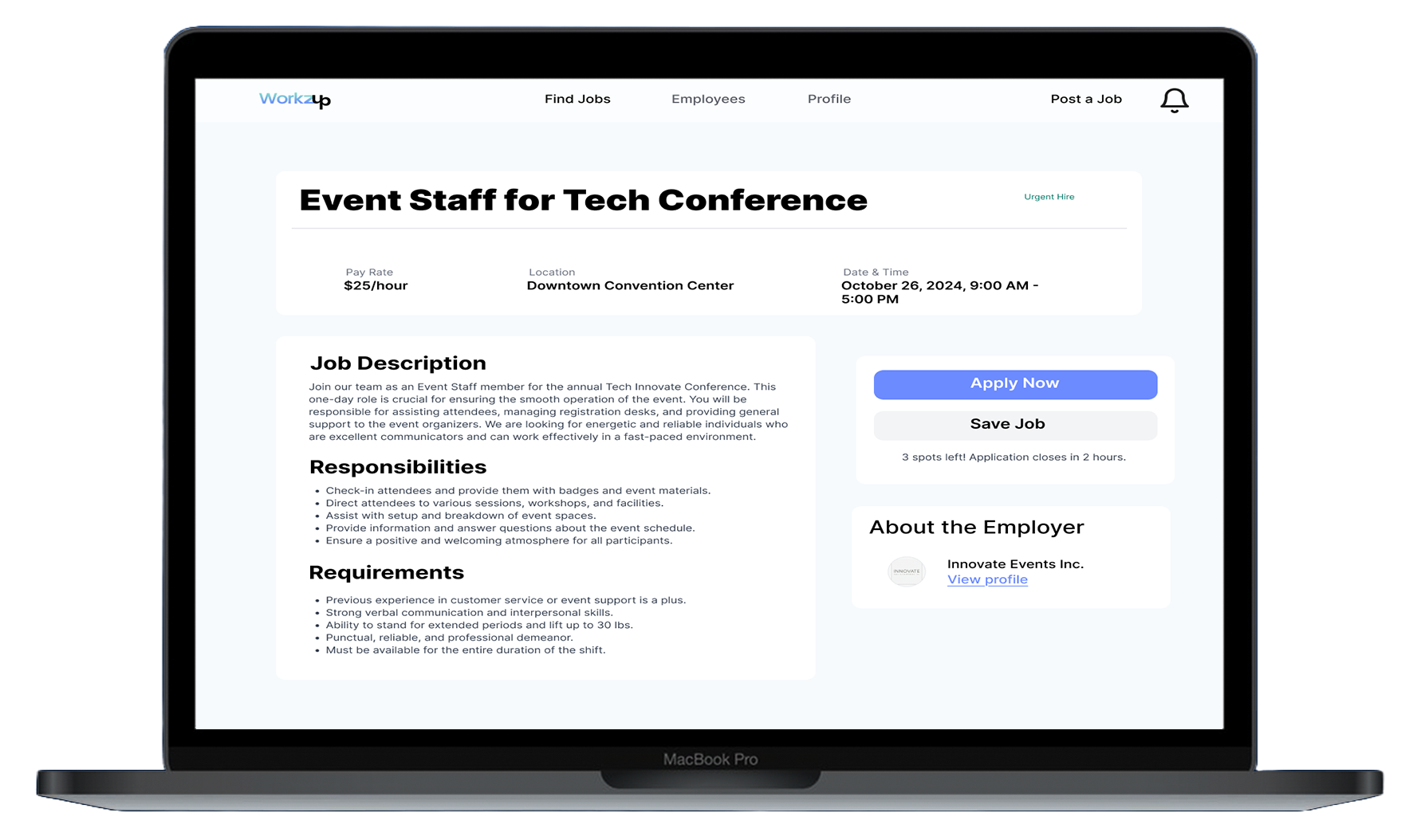
Apply & confirm
One-tap apply with an easy confirmation flow to secure the shift.
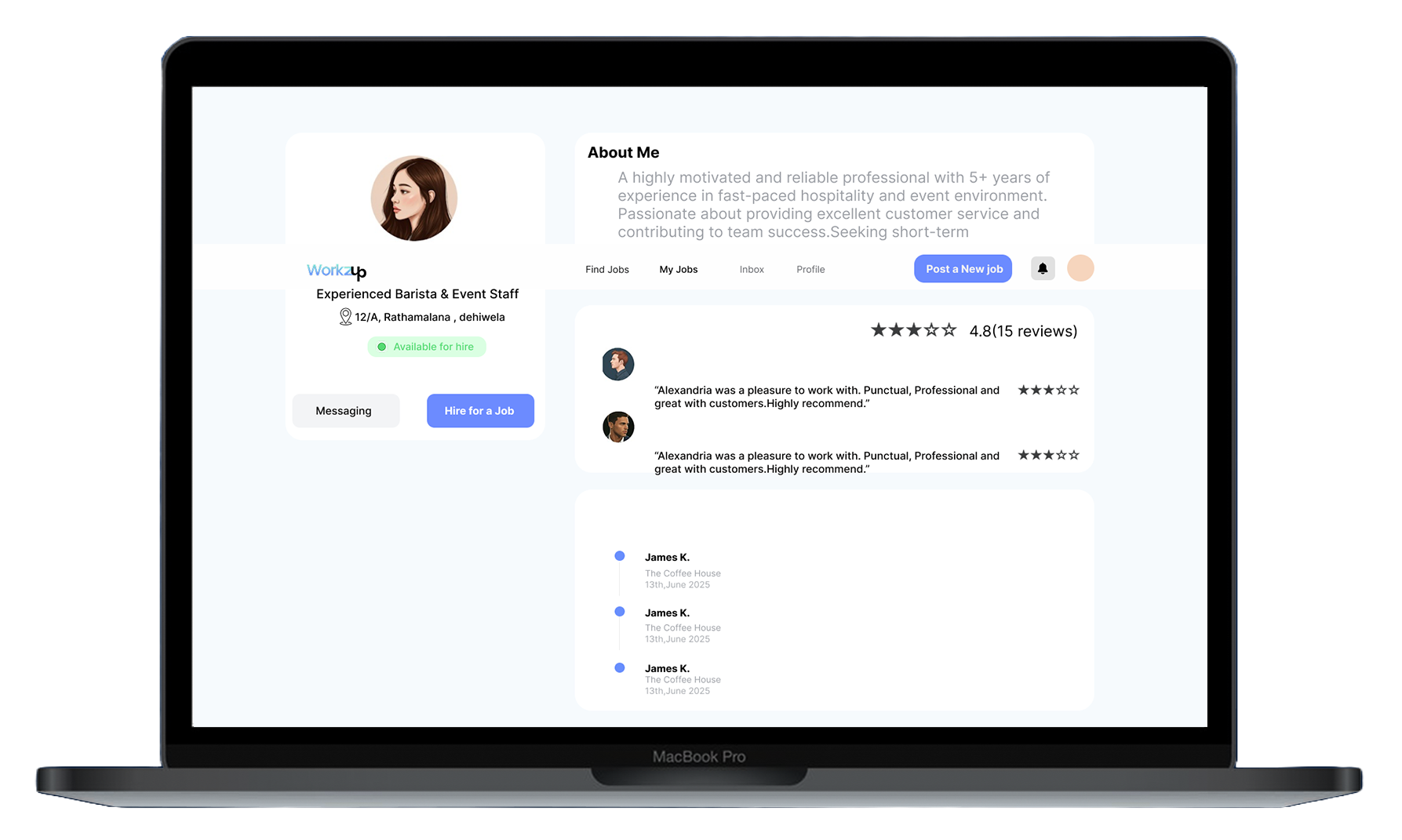
Profile & ratings
Manage your profile and build trust with ratings after completed work.